Smart Playout
Build playlists, categories, and rotations for smooth radio automation.
Automate music scheduling, live shows, DSP processing, streaming, and station branding from one powerful broadcast workspace.
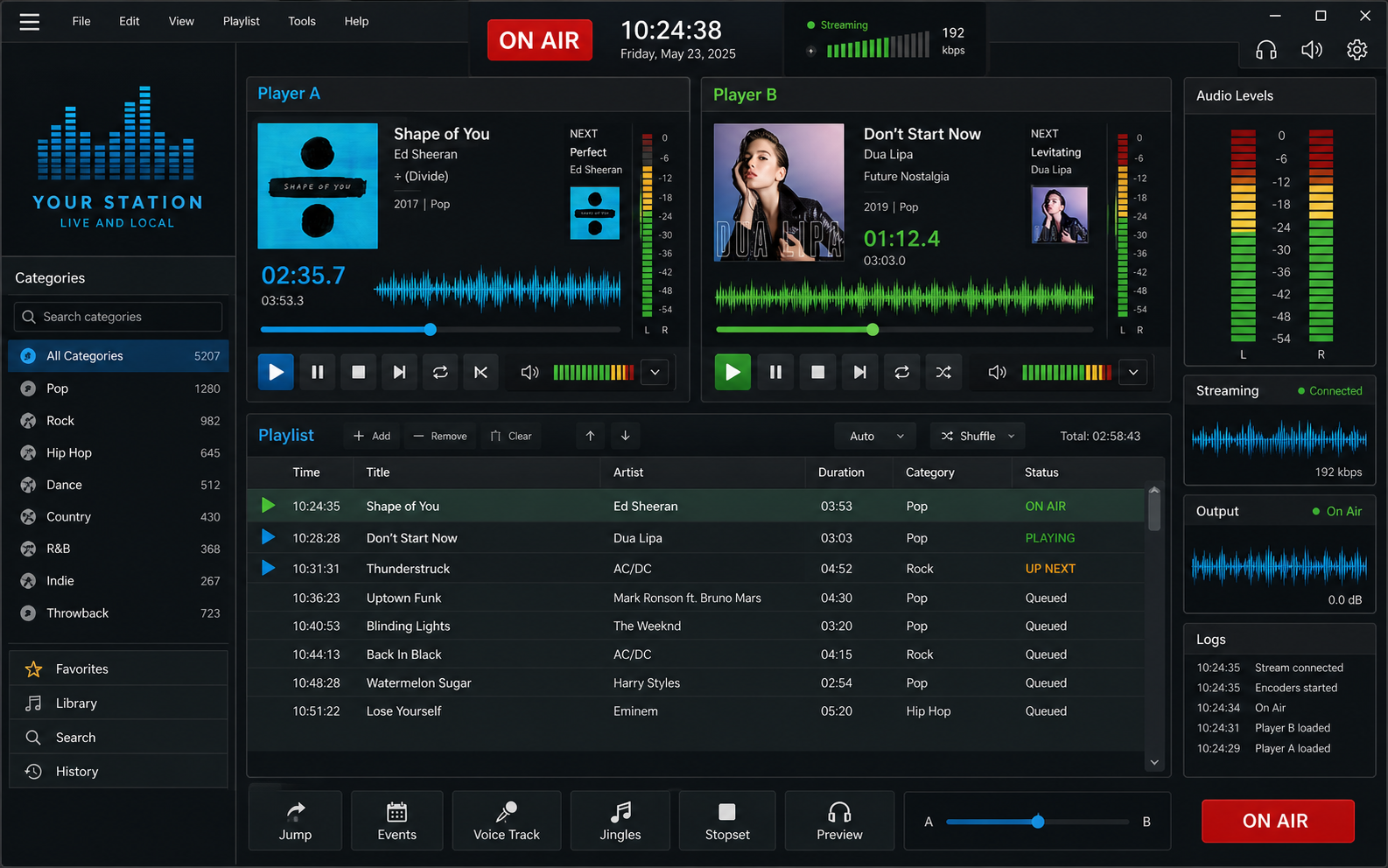
Broadcast operators get a real desktop workspace for playout, streaming, scheduling, activation, and updates.
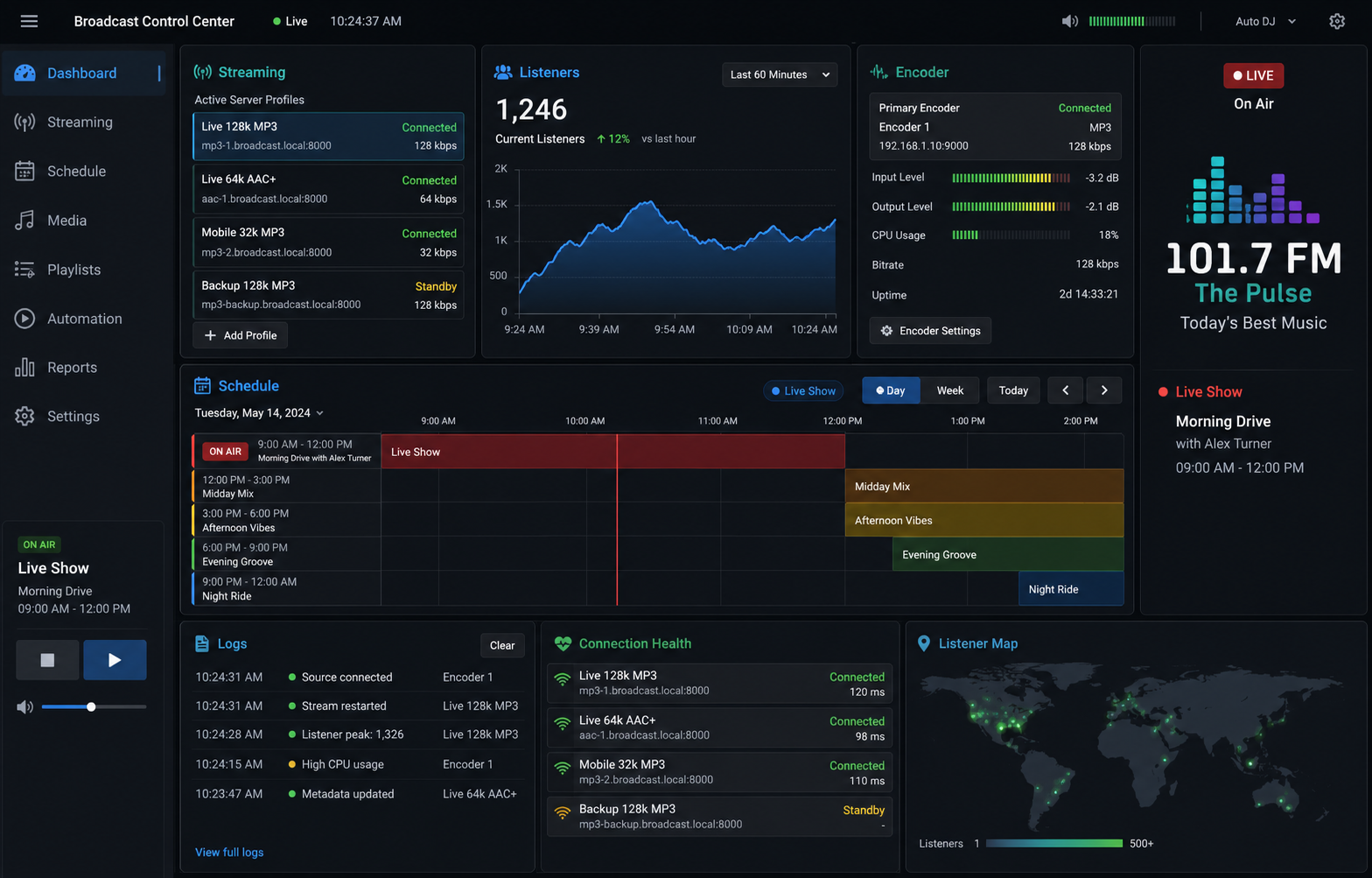
The app surfaces the controls operators need during live playout while the server manages licensing, updates, stations, and web content.
Radio automation, streaming, scheduling, and station management software.
Build playlists, categories, and rotations for smooth radio automation.
Prepare RJ details, live inputs, and broadcast-ready metadata.
Manage online radio output, station assets, and activation keys.
Reduce repetitive broadcast tasks with automatic playlist handling.
Keep station output consistent with DSP and equalizer workflows.
Manage stations, keys, subscriptions, and website content in one panel.
Windows app UI images and demo screens, plus any screenshots uploaded from the admin media manager.
Windows App Playout Dashboard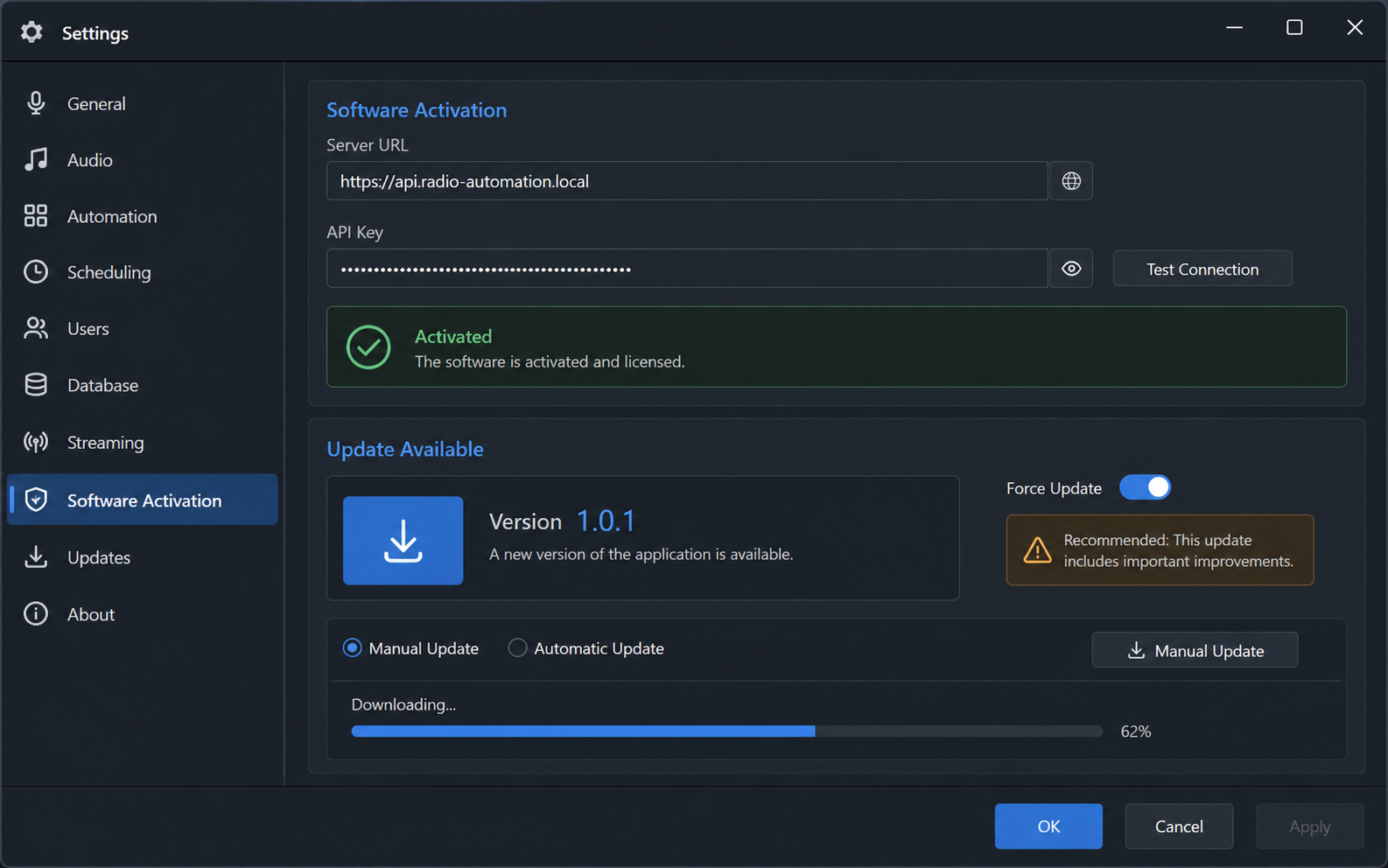 Activation and Update ControlsStreaming and Schedule Demo
Find product details, policies, pricing, support information, and the pages your station visitors expect.
About the radio automation platform
Contact information
Answers for station owners, operators, and admins before requesting a demo or activating a system.
Explore playout, playlist, streaming, DSP, station branding, activation, and update-management features.
View available plans or contact the team for a station-specific quote and onboarding package.
Privacy policy
Refund policy
Terms and conditions
Common questions managed from the admin dashboard.
Yes. Admins can update landing page content, pages, media, SEO, and contact details from the dashboard.
Yes. Activated systems can receive station name and logo from the backend.
Register your station first, then download the demo. Full version access is released only after admin approval.